n8n
- Open the page at http://localhost:5678/ (or another address specified in the environment variables).
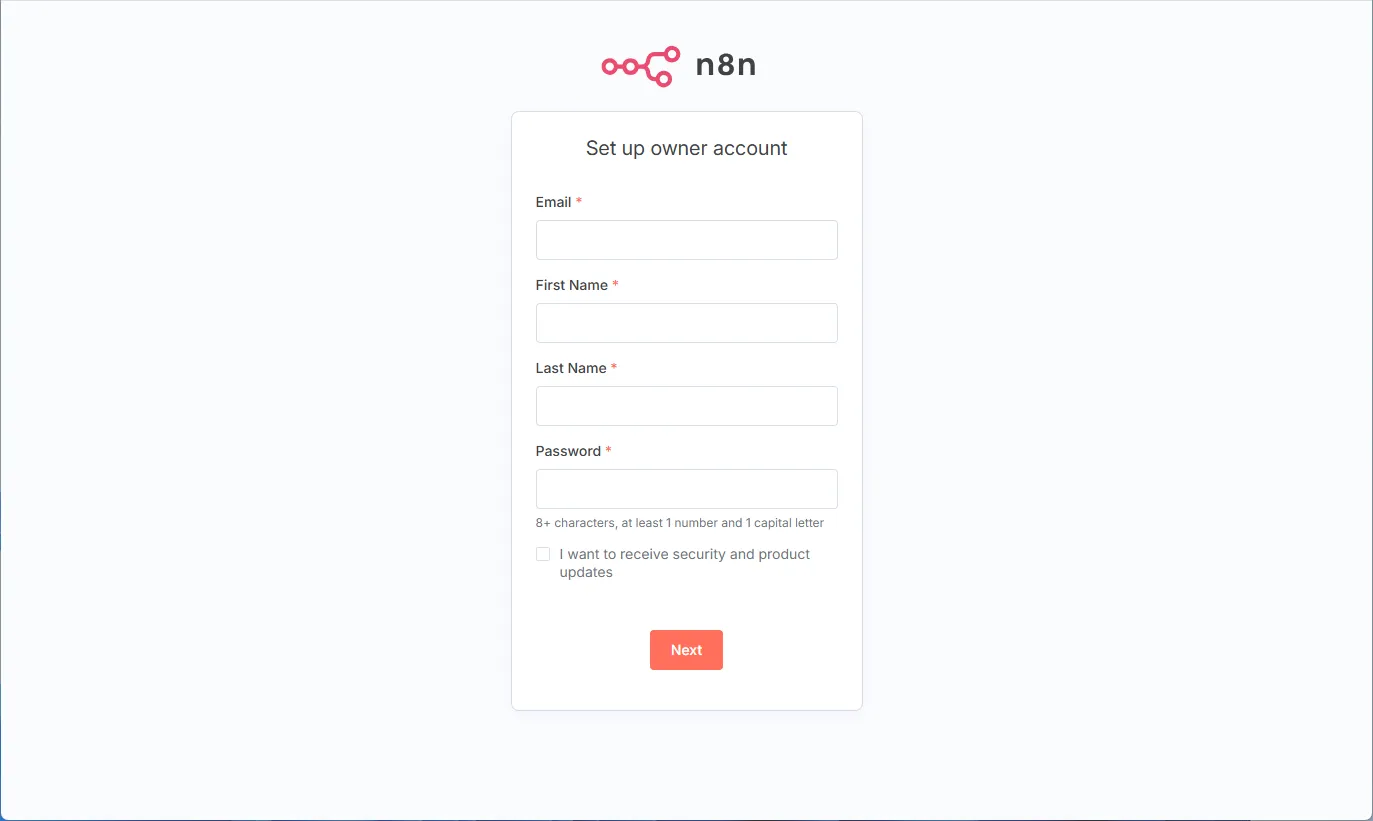
- A registration window will open.
- Fill in the required fields and click “Next”.
- Fill out the next form and request a license if necessary.
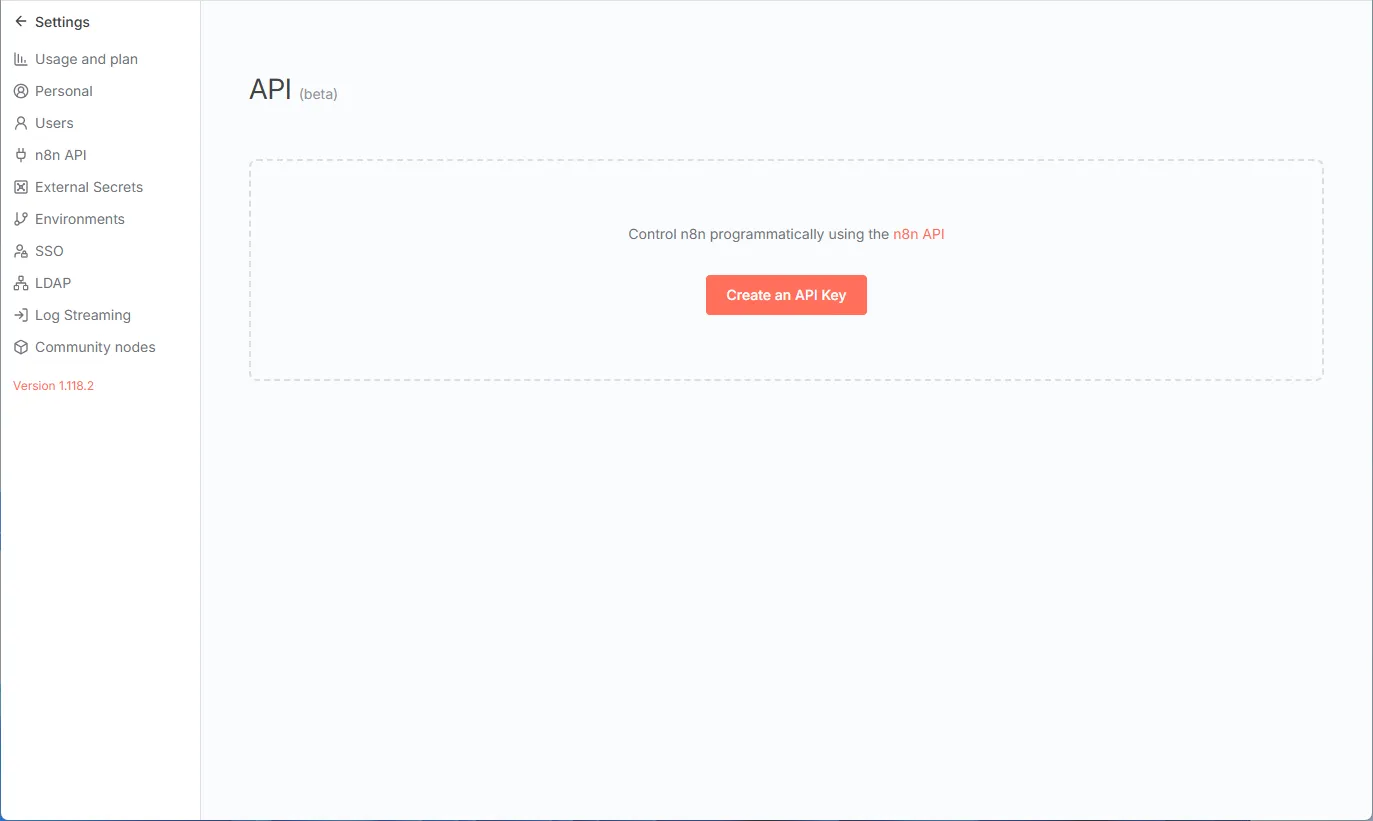
- Go to the “Settings” section, select “n8n API”, and click on “Create an API Key”.
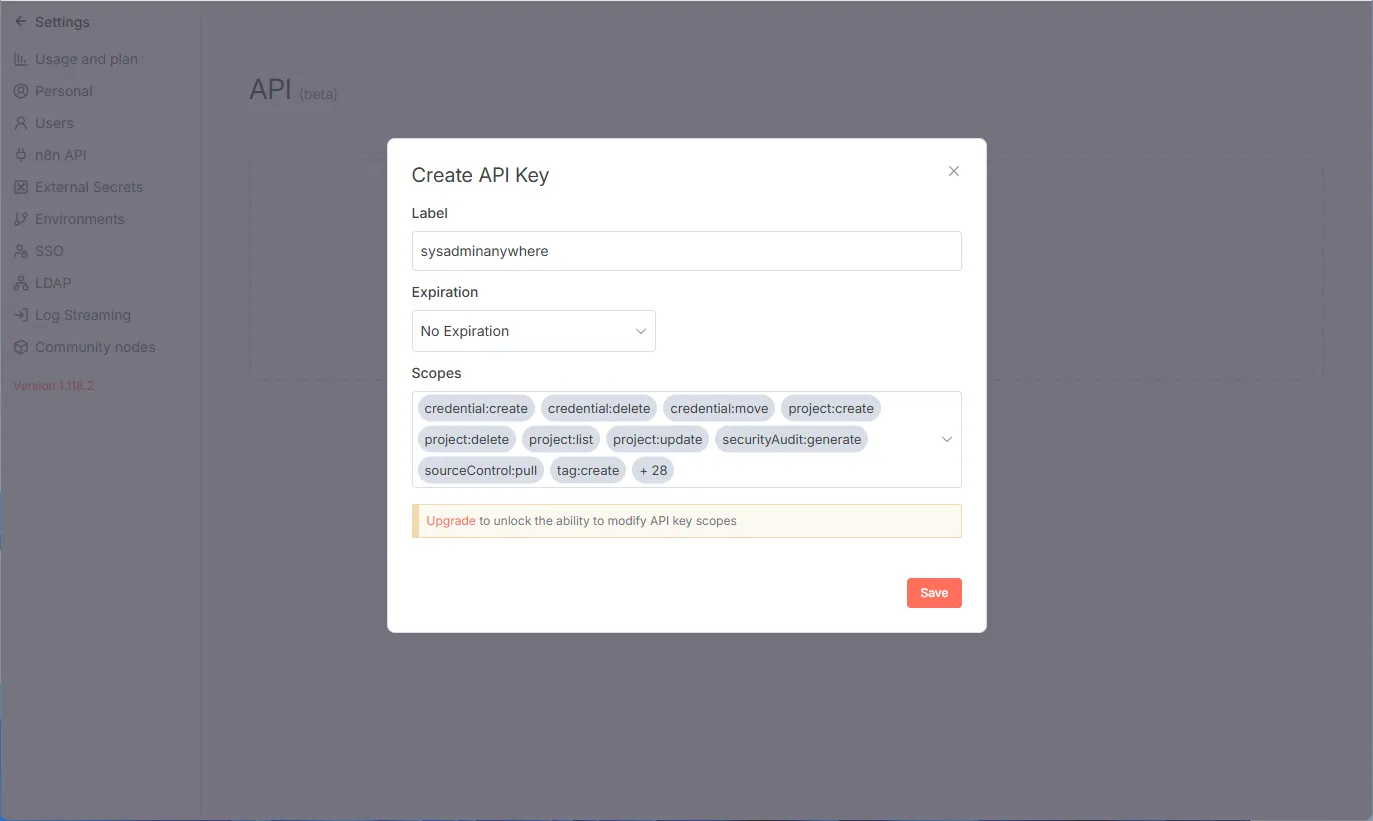
- Fill out the form and click “Save”.
- Copy the API key on the next screen, paste it into the N8N_API_KEY environment variable, and click “Done”.